A short tour of what writing in SceneWeaver actually looks like. Pick the screenshot that matches whatever you do most — chances are there's a feature built for it.
The shape of your novel, always in view
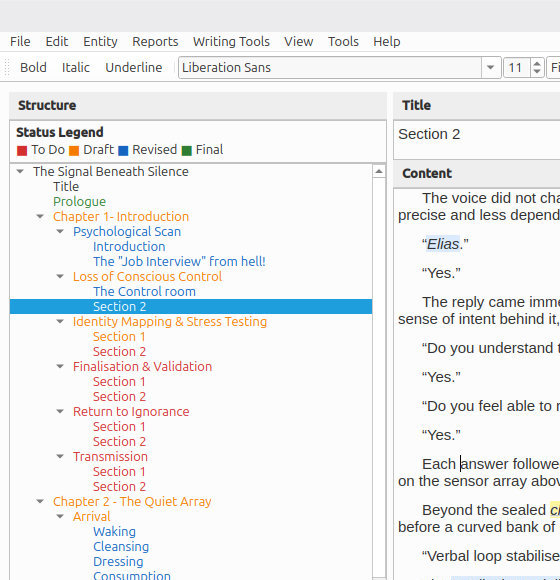
The chapter, scene, and section tree lives down the left side of the window, next to the editor. You're one click from any part of your manuscript and word counts roll up automatically — scene, chapter, whole work — so you always know where you are without having to check.
Split a scene at the cursor, drag chapters into a new order, turn a section back into a sibling — your structure can move as the story finds its shape.
Your cast, available everywhere
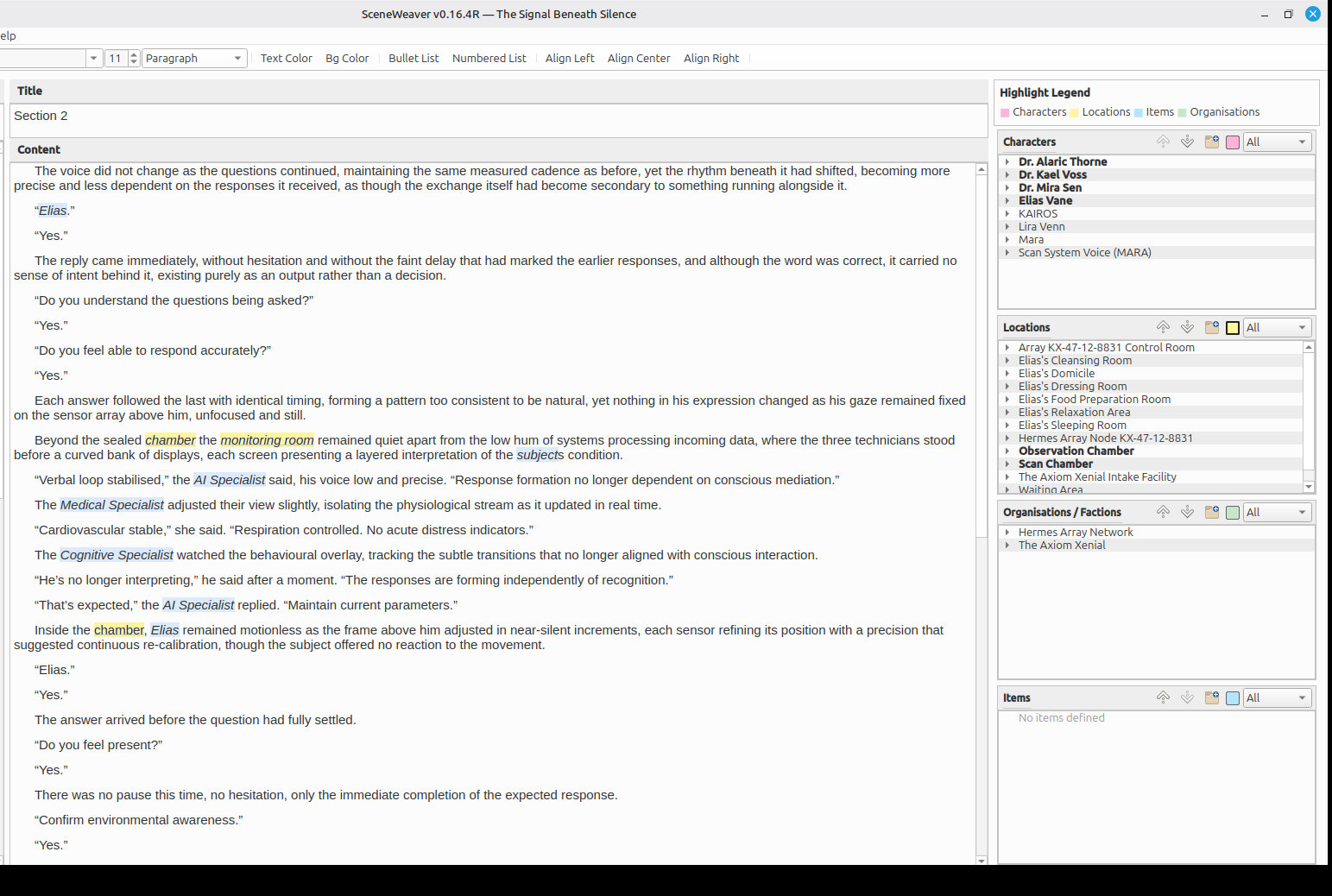
Characters, items, locations, and organisations are first-class records, not just words you typed. Open a scene and the Entities panel tells you who and what appears in it. Wonder when you last mentioned the silver dagger — one click and SceneWeaver lists every place it's referenced.
Rename Detective Brennan to Detective Brown halfway through the book and the change carries everywhere; if two characters share a first name, they still have unique referencing.
Know what's working before your editor does
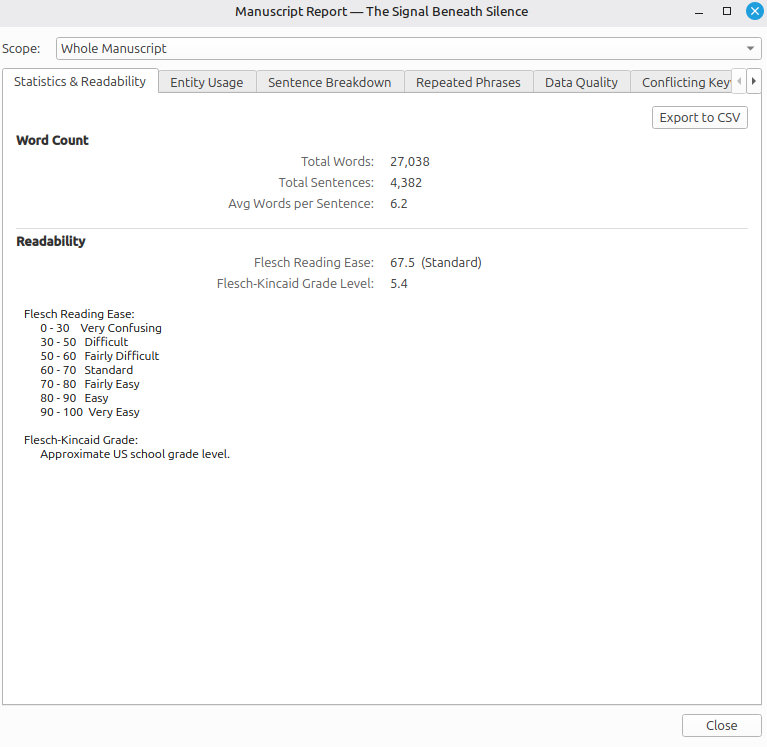
Sentence-length variation, reading level, paragraph pacing, vocabulary spread. The Statistics & Readability report shows you all of it at any scope — a single scene, a chapter, or the whole manuscript. You see the trends before they become problems.
Paired with the Repeated Phrases and Sentence Breakdown reports, you can answer questions a manuscript-level read wouldn't catch: "am I overusing 'turned and said' again?" — yes, here are the seventeen places.
Progress and pace, in one view
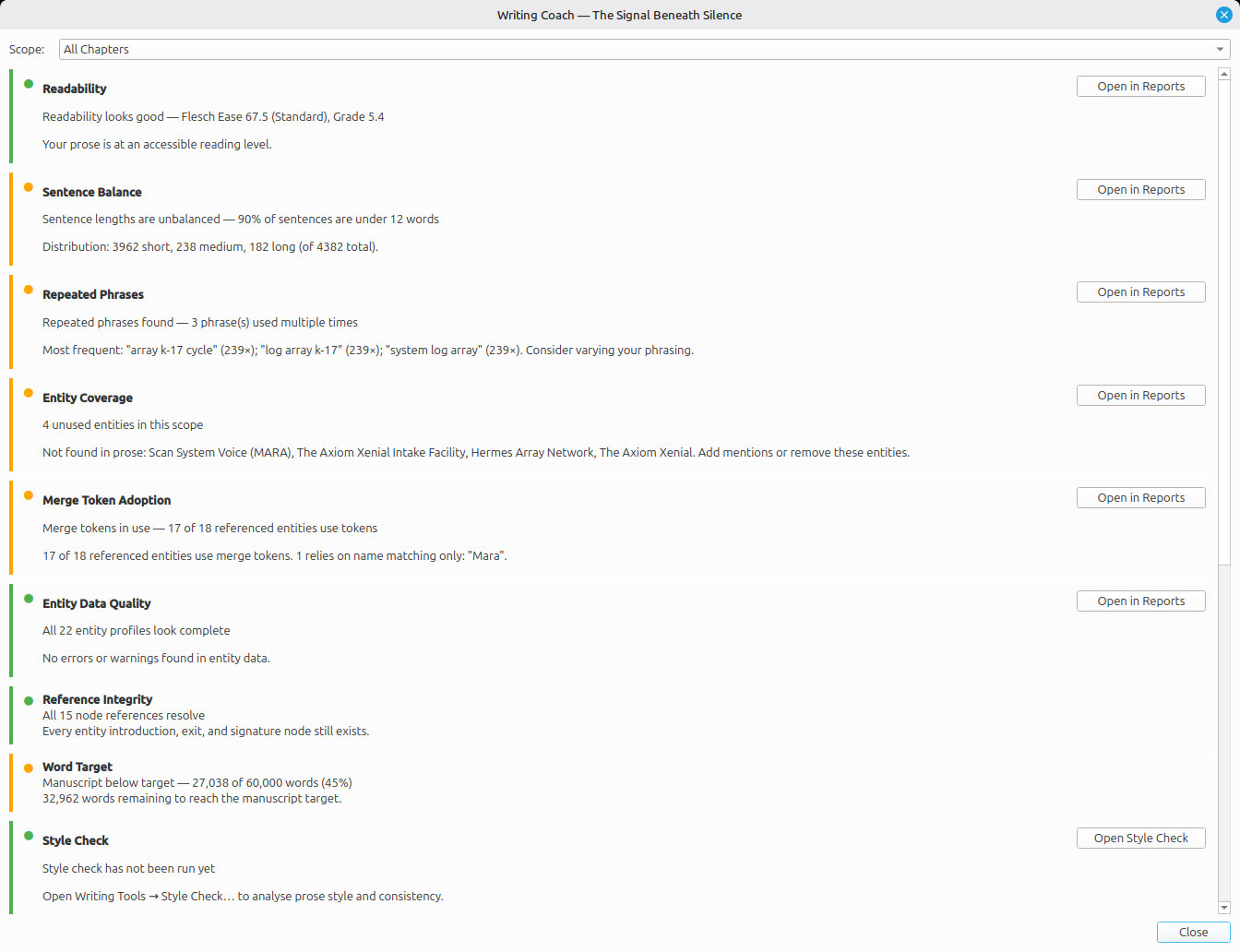
The Writing Coach pulls daily word counts, target tracking, pacing trends, and quality signals into a single dashboard. After a session you know whether today was a good one — not from memory, from the numbers.
Targets are encouragement, not nagging. If you hit them, the dashboard tells you. If you miss them, it tells you that too — gently, with context, so you can adjust.
Send the right version to the right person
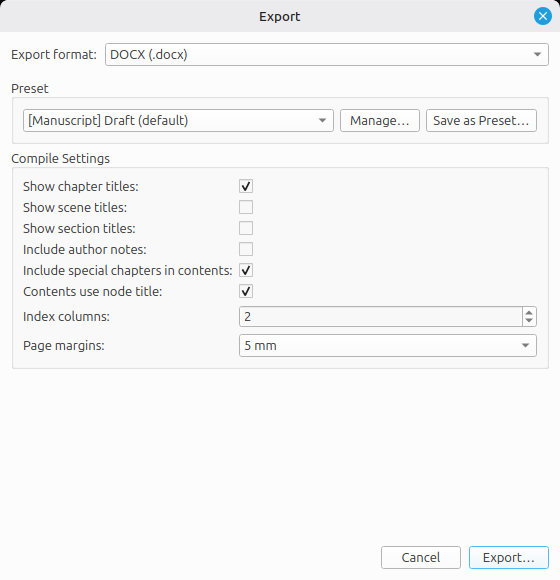
DOCX for the agent, PDF for the publisher, EPUB for a beta reader, plain text for the train, Fountain for the screenwriting friend, LaTeX for the journal. SceneWeaver exports to all of them — the full feature set, the full manuscript, no watermarks, no DRM.
Save your favourite combinations as Compile Presets and the next export is one click away, every time.